


Innovation Over-The-Air
Discover the updating systems to keep improving your car to suit your needs.
What does OTA do?
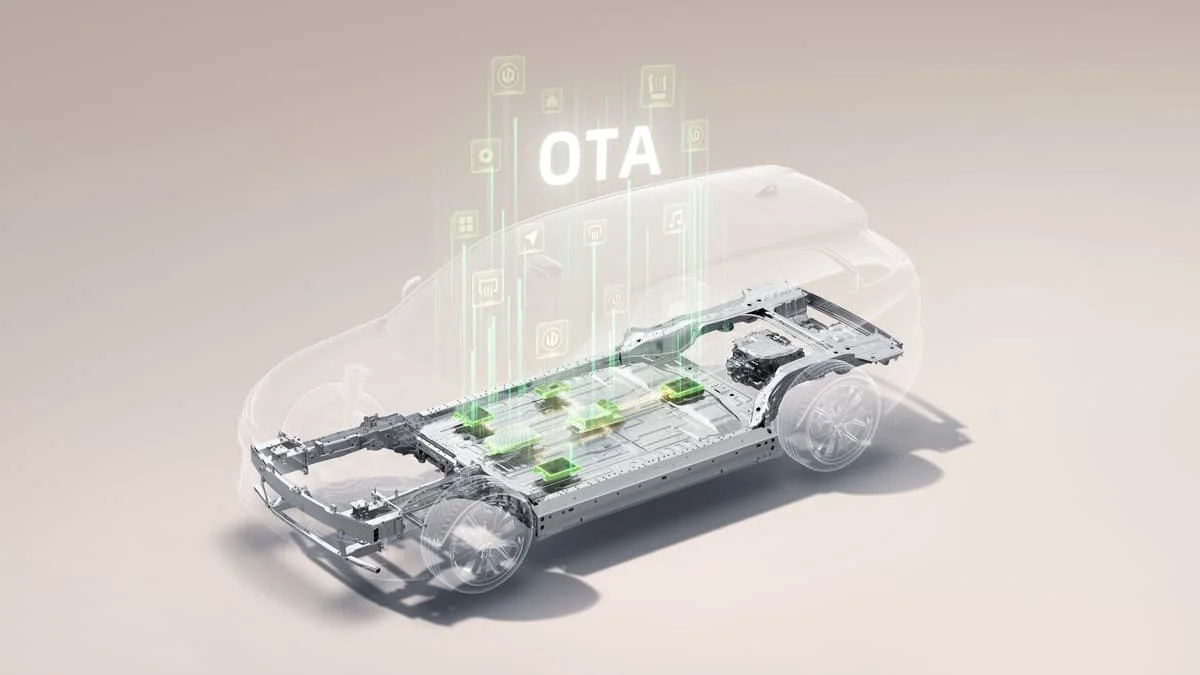
Leapmotor’s Over-the-Air (OTA) technology keeps your car constantly up to date: it improves remotely, automatically or whenever you choose.

Seamless remote updates
Software and firmware upgrades installed directly on your car. No dealership visits needed.
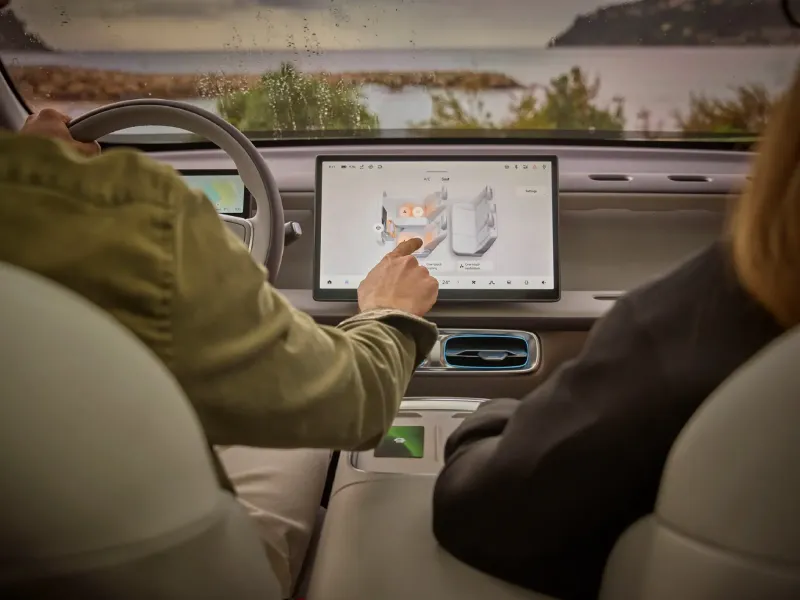
Features continuously evolving
New features, refined interfaces and system upgrades keep your vehicle up to date with the latest improvements.
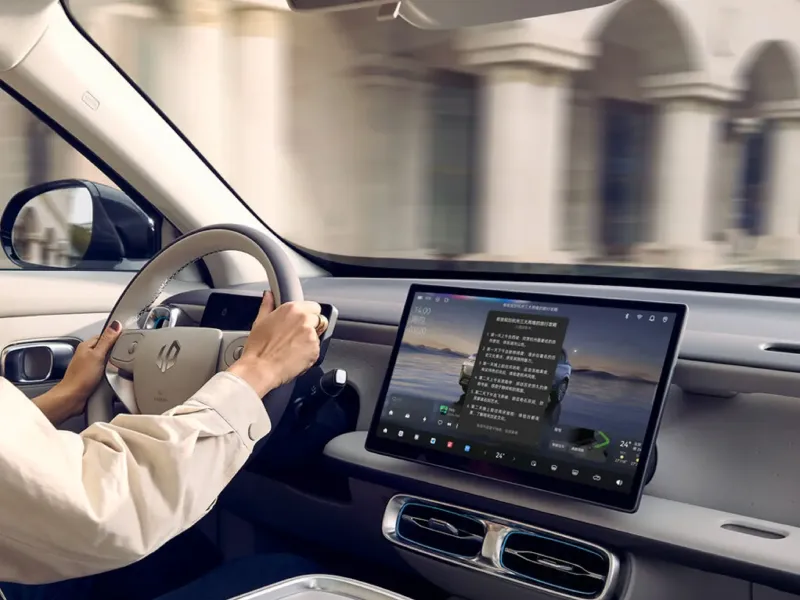
Security and system fixes
Security patches, critical bug fixes and driver-assistance updates help keep performance stable and safe over time.
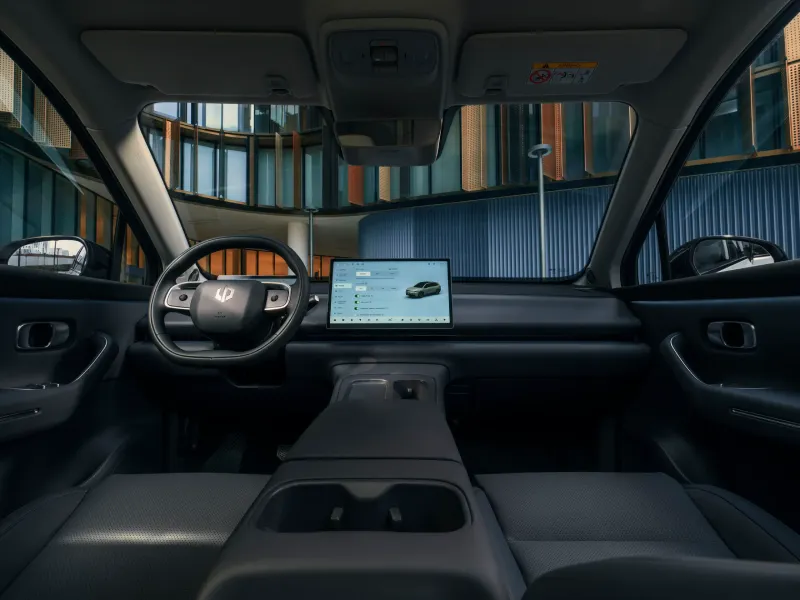
Performance optimisation
OTA updates fine-tune efficiency and responsiveness, helping your vehicle run smoothly on every drive.
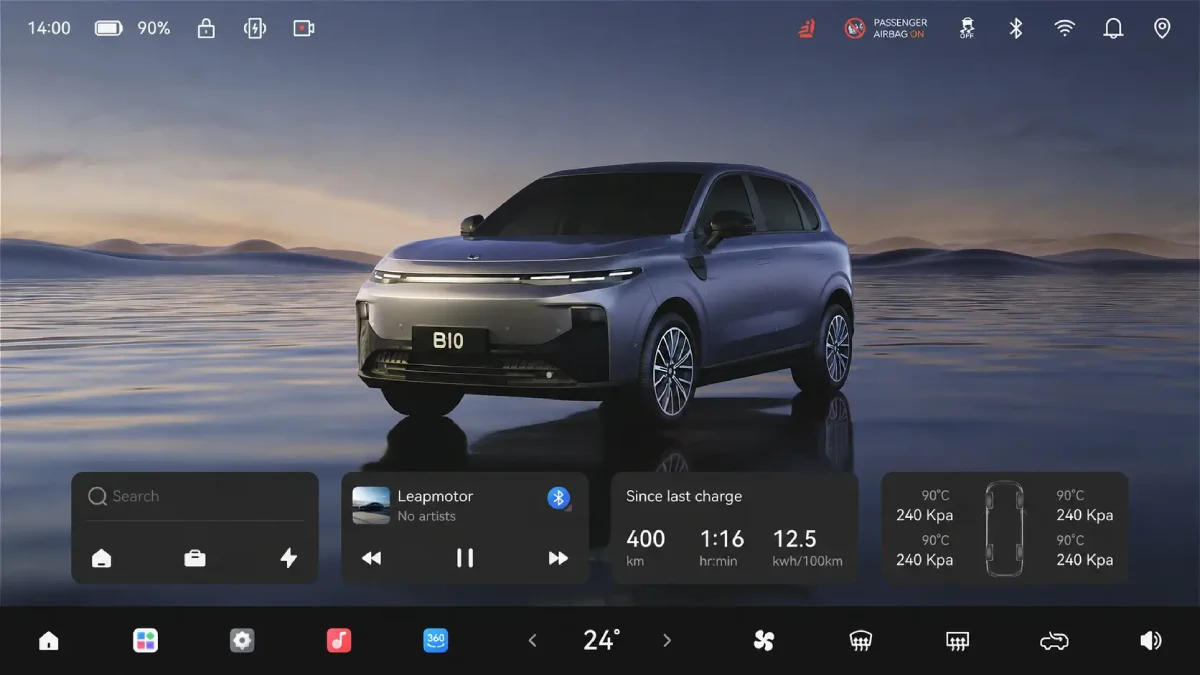
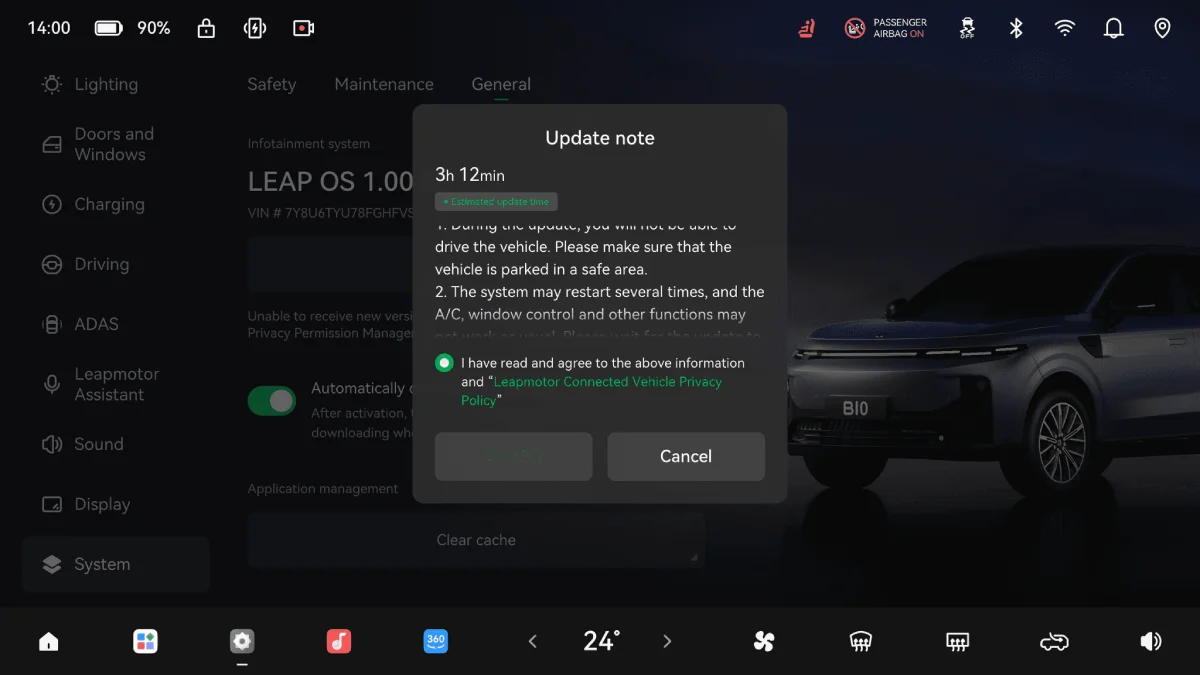
Go to “Settings” → “System” → “General”. On this page, you can check your model’s latest Leap OS version.
If your system isn’t up to date, a cloud icon will appear in the top-left corner of the screen.
Tap the cloud to start the download: you can even do it while driving.
When the cloud turns green, the download is complete. Park your car and click the “update” button to make sure the latest update is installed.
Questions you may have
Over-the-Air (OTA) technology in Leapmotor vehicles is an innovative system that continuously improves your car through software and firmware updates delivered directly via the internet. This lets your vehicle stay up to date with the latest features, performance improvements and safety updates, without any physical intervention.
Leapmotor’s OTA technology improves your vehicle remotely and automatically by delivering upgrades straight to your car. These updates include:
– New features and refined user interfaces.
– Security patches and critical bug fixes.
– Driver-assistance system upgrades.
– Performance optimisations to fine-tune efficiency and responsiveness.
To check your current LeapOS version, go to Settings > System > General, where you’ll find the latest software version installed on your vehicle.
When a new update is available, a cloud icon will appear in the top bar of the screen, inviting you to download it. Once the download is complete, simply park the vehicle and start the installation process. Your Leapmotor will automatically install the update and restart when finished
No. OTA updates are downloaded and installed remotely, directly on your vehicle, so there’s no need to visit a dealership. That makes the process simple, convenient and time-saving.
Once an update has been downloaded via the cloud icon on your screen, installation can start whenever you choose, while the vehicle is safely parked. This helps ensure the update is completed smoothly and with minimal disruption to your daily routine.
Yes. You’re always in control of when to install updates. The system will let you know when a new update is available, and you can choose the most convenient time to go ahead. Keeping your vehicle updated is recommended to help ensure the best driving experience and access to the latest improvements.
OTA updates continually enhance your driving experience across several areas:
– Features: new functions, updated interfaces and system improvements
– Security: software patches, bug fixes and driver-assistance updates for safer operation
– Performance: optimisations that improve efficiency, responsiveness and overall driving smoothness
Get in Touch
Have a question or need more information? We’re here to help. Give us a call at (03) 0000 0000 or send us a message using the form below.